
Export your X (Twitter) bookmarks to CSV, JSON, Markdown or HTML
A free Chrome extension that exports your X (Twitter) bookmarks to CSV, JSON, Markdown or an offline HTML archive. No XBE account, it runs locally, your bookmarks never leave your browser, and there are no servers. Up to 300 bookmarks per export.
- Free
- Up to 300 bookmarks per export
- Runs locally
- No XBE account
- Published by peanut
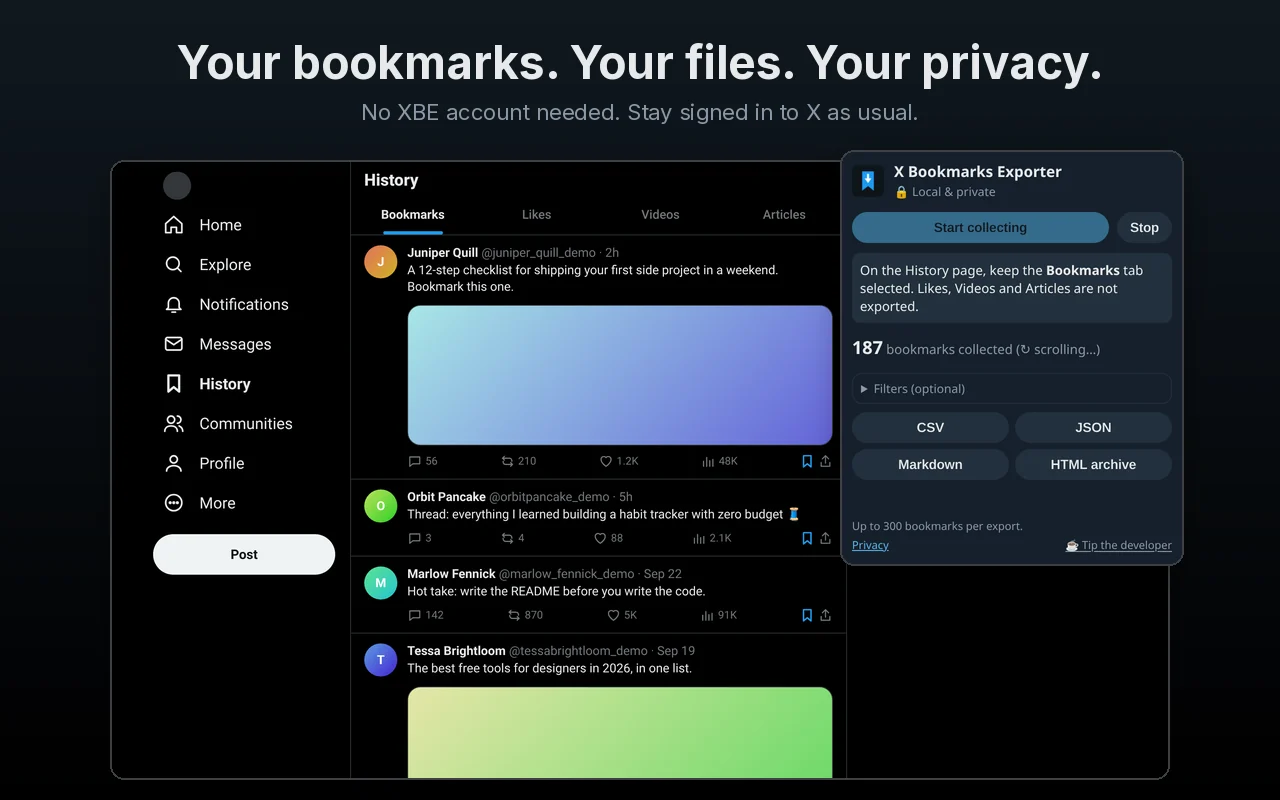
The four formats, and who each is for
Pick one when you save. See the fields and samples.
CSV
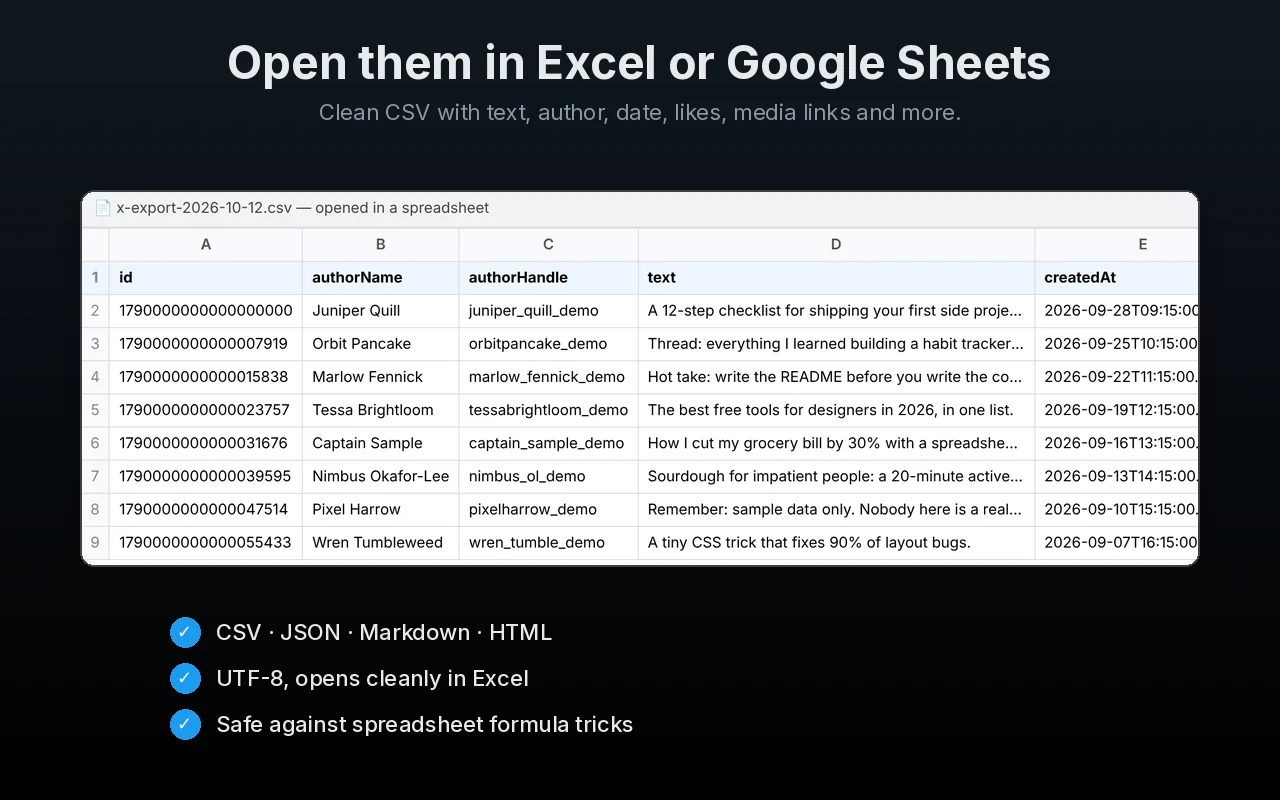
For spreadsheets. It opens in Excel, Google Sheets or Numbers, with one row per bookmark and a header row. Columns: id, url, authorName, authorHandle, text, createdAt, likes, retweets, replies, media, quotedUrl.
JSON
For scripts, databases and your own tools. It's a list of bookmarks with the same fields as the CSV.
Markdown (.md)
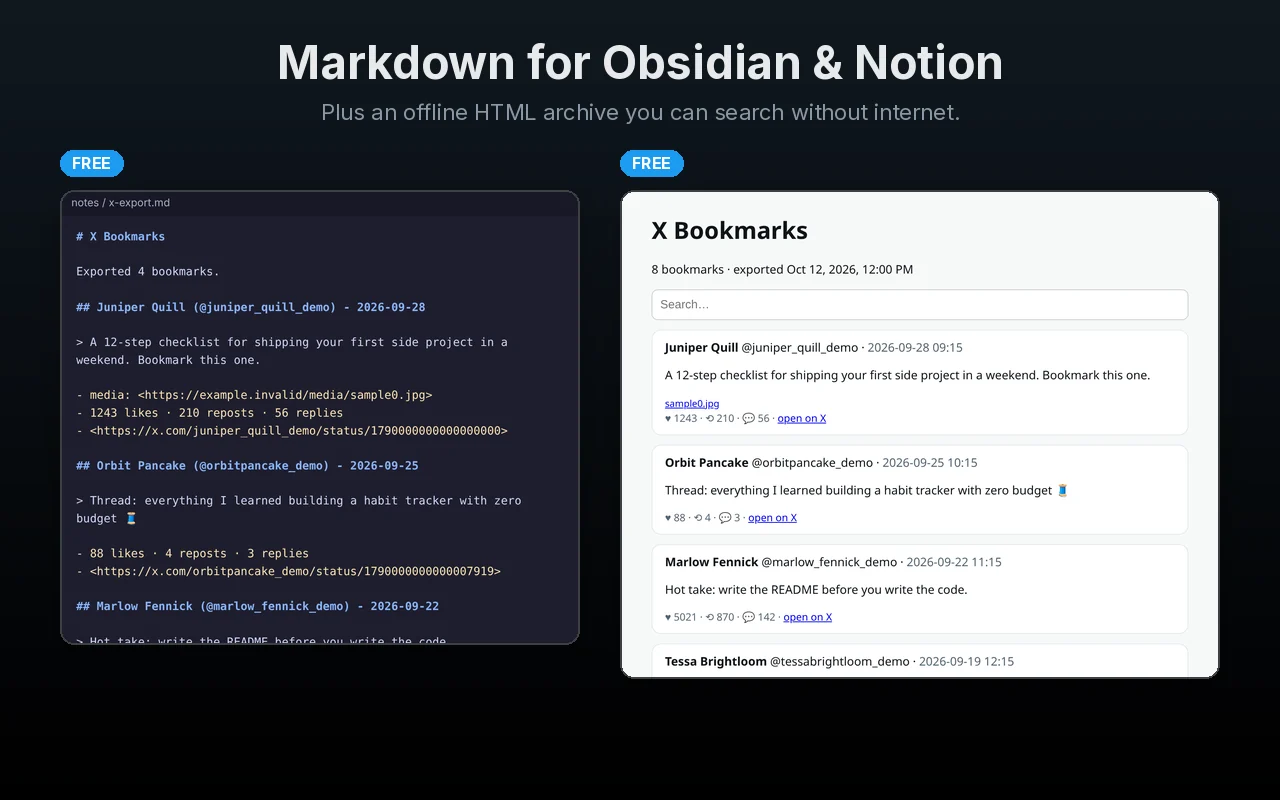
For Obsidian and other notes apps. It's one file with a heading, the post text and its links for each bookmark.
HTML archive
For reading and searching offline. It's one page you can open without internet, with a search box. Media appears as links.
What each bookmark includes
Post text (including long posts), author name and @handle, date, likes, reposts and replies, media links, the quoted post link and the post URL.
How to export your X bookmarks
Four steps. Read the full guide.
- Install the extension from the Chrome Web Store.
- Log in to X in Chrome and open your bookmarks:
x.com/i/history, with the Bookmarks tab selected. If that tab was already open before you installed the extension, reload it once. - Click the extension icon, then Start collecting. It scrolls through your bookmarks and collects them. Keep the tab open until it finishes.
- Click CSV, JSON, Markdown or HTML archive. The file is saved to your computer as
x-bookmarks-YYYY-MM-DDwith the matching extension.
Local & private
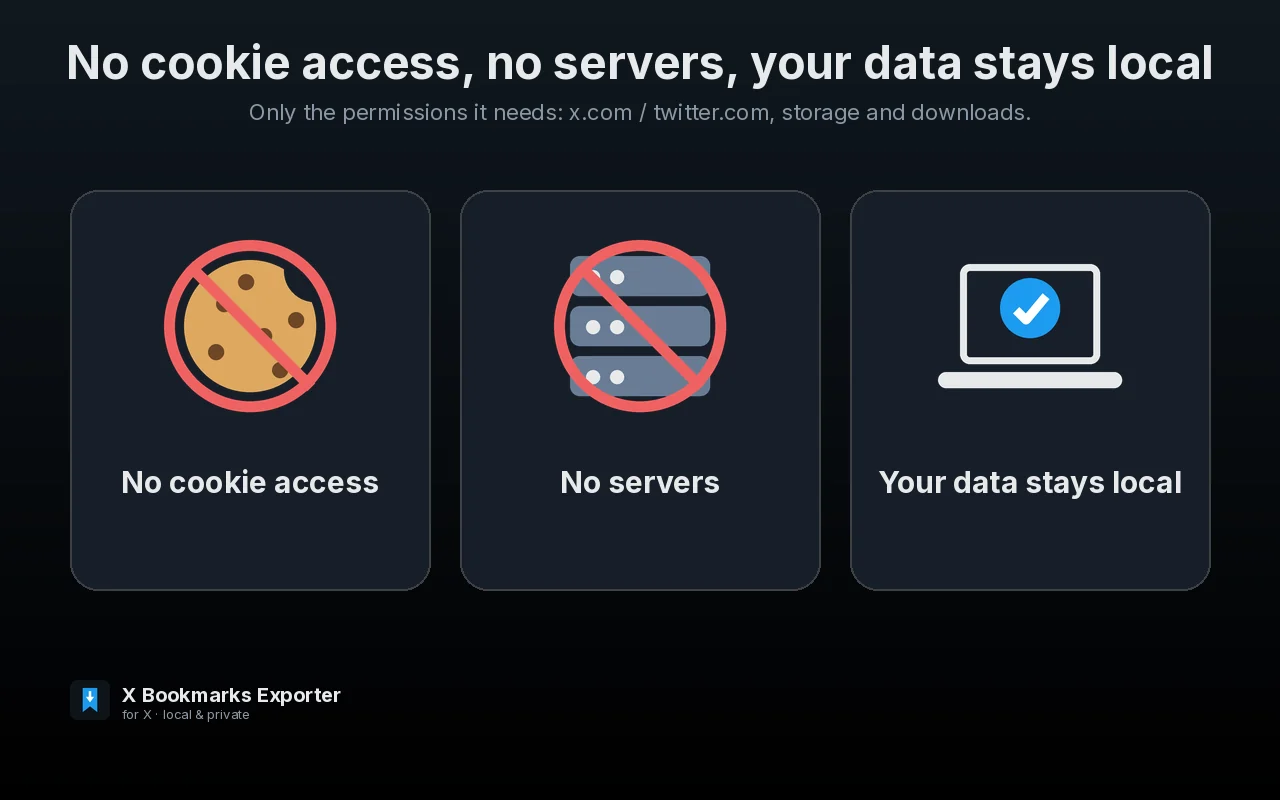
- It doesn't ask for Chrome's cookies permission. It only asks for access to x.com and twitter.com, plus storage (to remember what you already exported) and downloads (to save your files).
- There are no servers. The extension doesn't send your bookmarks, or anything else, to us or to anyone else.
- Your data stays local. It reads the bookmarks X already shows in your browser while the page is open, and saves the files straight to your computer.
- There's no account with us and no sign-up. You only need to be logged in to X in your browser, as you normally are.
- It remembers only which bookmarks you've already exported (their IDs), in your browser's local extension storage. Uninstalling the extension removes them.
- It's free. If it saves you time, you can leave a tip on Ko-fi.
Up to 300 bookmarks per export
That's the limit, stated up front. It makes XBE a quick, private option for exporting the first 300 bookmarks X shows you. If you need thousands of bookmarks in one go, it isn't built for that.
Collection stops once it has gathered 300. Optional filters (date range, author, keyword, or "Only new since last export") narrow down what's saved from the bookmarks it collected.
See it in action
Languages
English, Deutsch, Español, Français, Bahasa Indonesia, Türkçe, العربية, 日本語, 한국어, 简体中文, Português (Brasil) and Português (Portugal). The extension follows your Chrome language.
Publisher
Published by peanut. X Bookmarks Exporter is free to use. If you find it useful, consider leaving a small tip on Ko-fi to support future improvements.
Get X Bookmarks Exporter
Free. Runs locally. Up to 300 bookmarks per export.